Banglalink Starlink Direct to Cell: coverage beyond towers, not home broadband
How Banglalink’s Starlink Direct to Cell service connects compatible 4G phones in Bangladesh, with launch offers, setup guidance and practical limits.
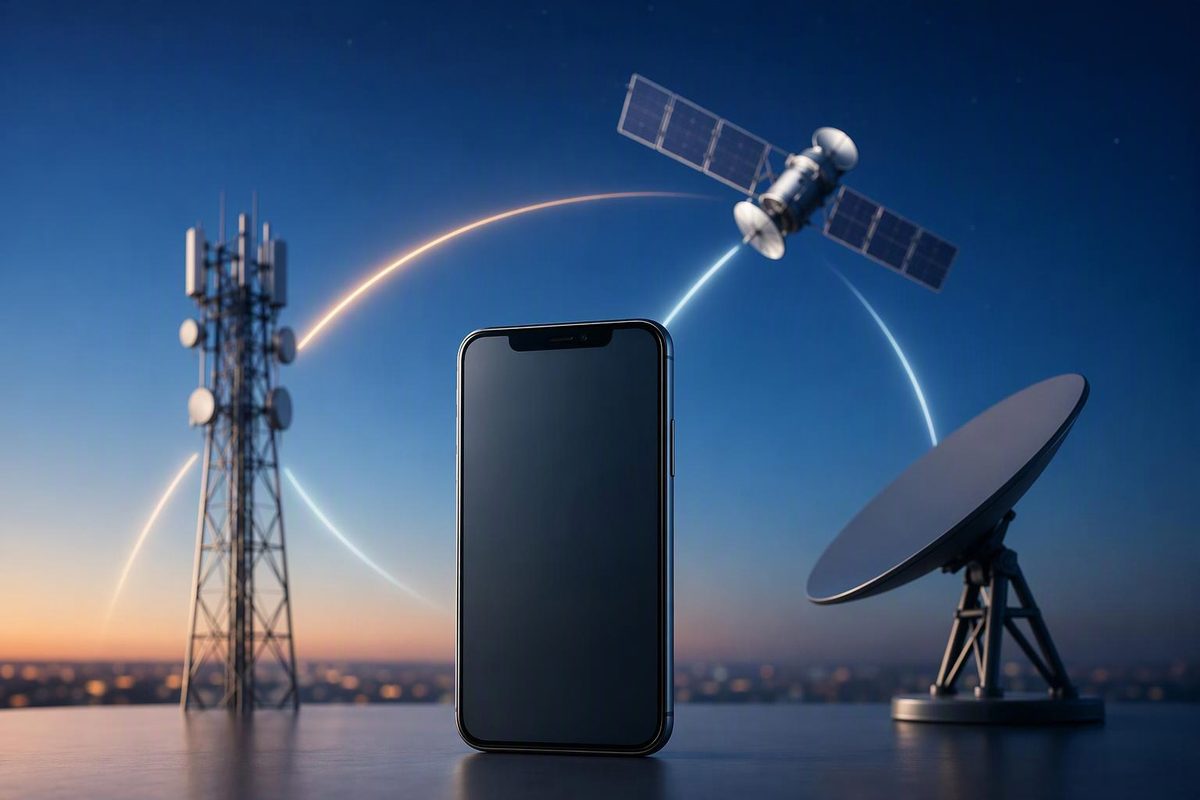
Banglalink’s Starlink Direct to Cell service lets a compatible 4G phone with an existing Banglalink SIM connect directly to satellites when terrestrial coverage is unavailable. You do not need a Starlink dish. But this is a connection for messages and essential apps—not a replacement for ordinary mobile broadband.
As of 25 October 2026, this is a launched service, not just a proposed partnership. Banglalink’s parent company, VEON, announced the launch on 9 October, saying customers could access essential apps and location services beyond conventional mobile networks. VEON’s launch announcement describes access through MyBL, with RYZE support to follow.
What changes between your phone and the network?
Normally, your handset’s radio connects to a nearby cell tower. The tower then carries traffic towards the operator’s core network over a separate transport connection called backhaul.
With Direct to Cell, the first radio link goes upwards instead: your phone connects to a satellite carrying a cellular antenna. Starlink describes this as a “cellphone tower in space,” working with existing LTE (Long Term Evolution) phones—the technology commonly called 4G. Its satellites connect across the Starlink network using laser links, with integration into mobile networks similar to a roaming partner. Starlink’s technical overview explains that architecture.
The satellite therefore replaces the nearby tower for that first wireless hop. It does not remove the need for the wider network to carry your message to its destination. For the satellite-network portion of that journey, see how Starlink routes internet traffic.
For a practical example, imagine a traveller on a boat in Bangladesh’s coastal waters beyond tower coverage. With an eligible phone and service access, the handset can switch to BL-Starlink and send a message through the satellite connection. Banglalink says that switching happens automatically where regular coverage becomes limited. The same mechanism can offer another communication path when a local tower is unavailable, although satellite coverage still has its own conditions. Banglalink’s service page describes the automatic switching; VEON identifies disasters and prolonged power outages as intended uses.
What can you use it for?
Banglalink’s own FAQ lists SMS (Short Message Service) and essential-app functions including text messaging, location sharing and small-file sharing. It explicitly says the service is not home Starlink broadband and does not provide high-speed 4G/5G internet. Banglalink’s FAQ is the relevant reference for those limits.
Voice also needs a distinction. Reporting on Banglalink’s regulatory approval identified WhatsApp calls alongside SMS and data messaging as initial capabilities. That is an internet-based app call, not confirmation that ordinary calls made through the phone’s dialler work over satellite. The Daily Star’s approval report attributes those capabilities to the operator.
Do not assume that every app which works on terrestrial 4G will work here. Banglalink directs customers to supported apps. Starlink itself distinguishes current app-based voice from native calling planned for future service. Starlink’s capability overview separates present features from future upgrades.
Phone requirements and getting started
Before travelling beyond coverage:
- Check your exact handset model with Banglalink. Its FAQ requires a supported model; “4G phone” is not a guarantee that every handset works.
- Keep your existing Banglalink SIM. No replacement SIM, dish or external antenna is required for a supported phone.
- Prepare MyBL while you still have a connection. Follow the service’s getting-started guidance and grant the required location permission. Banglalink says no separate registration or subscription is needed for the service to start automatically outside its network.
- Check the current supported apps and your pack entitlement. Automatic network switching does not mean unrestricted or permanently free data.
These requirements come from Banglalink’s service page and FAQ.
What does it cost?
The launch offer, as reported by Bangladesh Sangbad Sangstha on 7 October, included:
| Item | Reported launch terms |
|---|---|
| Satellite SMS | Five free messages each month |
| Satellite data in the first month of launch | Included free with any internet or mixed bundle pack |
| Satellite data from the second month | Included at no additional cost with selected monthly internet and mixed bundle packs |
Those are launch-period terms, not a promise of a free month beginning whenever an individual joins. Check the eligible packs and current conditions in MyBL before buying. BSS’s launch report provides the offer details.
The limits that matter outside coverage
A clear view of the sky matters. VEON and Starlink say the service works with compatible phones in open areas with sky visibility; it should not be treated as an indoor coverage fix. Their October update states that condition.
Capacity matters too. Banglalink explains that a satellite serves a large area, with users sharing the connection, while a phone has a much smaller antenna than a home Starlink terminal. That is why essential messages and apps are a more realistic expectation than streaming or large downloads. Banglalink’s FAQ makes that distinction directly.
For comparison—not as Bangladesh service terms—T-Mobile’s Starlink-powered T-Satellite warns of delayed messages, limited data speeds, gaps and time-outs. Its supported devices, prices and emergency arrangements are specific to that service and must not be applied to Banglalink. T-Mobile’s satellite-service page illustrates why automatic connection is not the same as guaranteed delivery.
For coastal travel or disaster preparation, treat BL-Starlink as an additional communication path. Check compatibility and entitlement beforehand, and do not make it your only emergency plan.